cellar
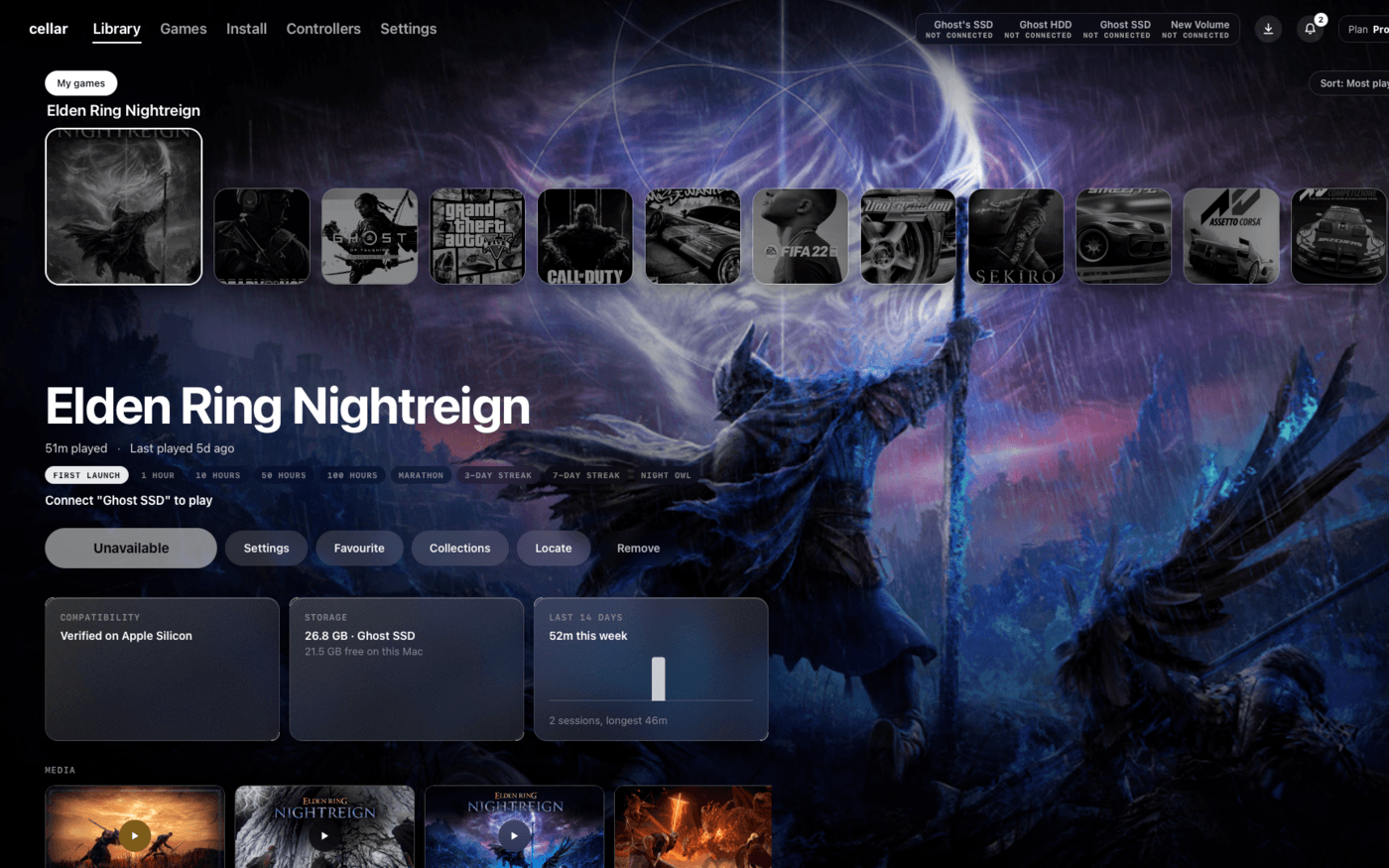
Most Windows games never get a Mac version, and the tools that bridge the gap ask players to wrangle Wine bottles, Terminal commands and forum threads. cellar does that work for them. It sets up the runtime on first launch, installs Steam, Epic, GOG Galaxy, the EA app or Ubisoft Connect in one click, matches each game to a profile tuned for its engine and starts it full screen. Pro adds ghostscale, our neural upscaler, which renders the game lower and upscales it on the Neural Engine so the GPU stays free for the game.
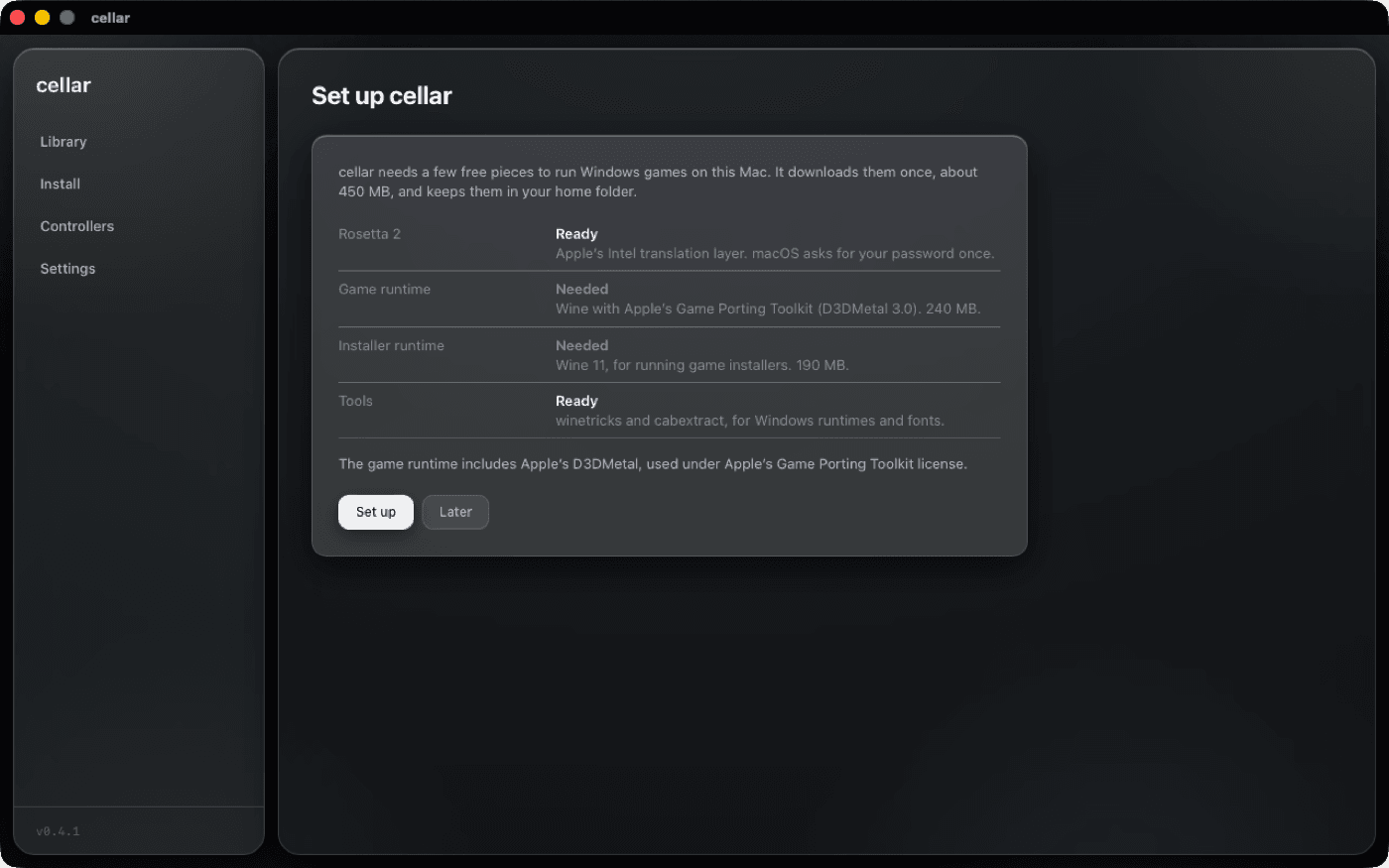
- 01Native macOS app in Tauri, Rust and React, with a first-run setup that needs no Terminal
- 02A Wine runtime built from CodeWeavers' published CrossOver source, with Apple's D3DMetal for DirectX 11 and 12
- 03One-click Steam, Epic, GOG Galaxy, EA app and Ubisoft Connect, each in its own bottle
- 04115 engine and game profiles, with a public 'Does it run on Mac?' page for every game
- 05Full-screen games at the display's real resolution, controller remapping and iCloud save backups
- 06ghostscale upscaling in Pro, licensing with a free tier, and signed automatic updates
- 01
Games that opened in a small window
Every game ran inside a fixed 1920x1080 Wine desktop, so on most Macs games sat in a window instead of filling the screen.
The desktop now matches the display, and a small helper beside each game makes any windowed game borderless and screen-sized while leaving dialogs and launchers alone.
- 02
Force Quit only ever said "wine"
Every game showed up in the Dock and Force Quit as "wine", so players could not tell which one to quit.
A tiny library loaded into the game's process renames it through LaunchServices, after Wine has finished setting up its memory, so the game shows under its own name.
- 03
Getting CrossOver's fixes without CrossOver
Newer games only ran on CrossOver, a paid product players would have to buy on top.
We build Wine from the source CodeWeavers publishes and add Apple's D3DMetal on the player's Mac, so cellar carries the same game fixes in a runtime of its own.